
pve 中 synology 群
15 March 2024
PVE 中 Synology 群晖 虚拟机VM 的 Qemu Agent的设置
Qemu Agent 设置
-
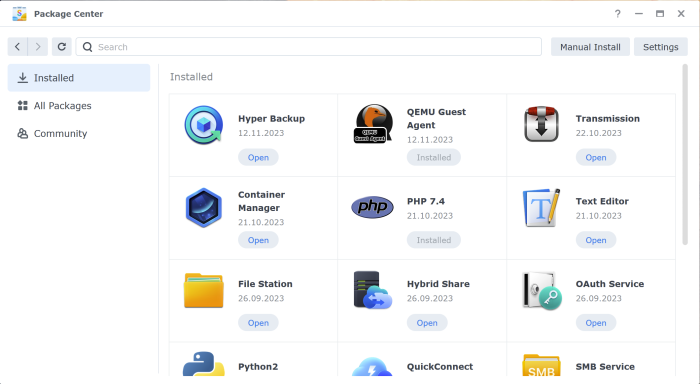
Open Package Center
-
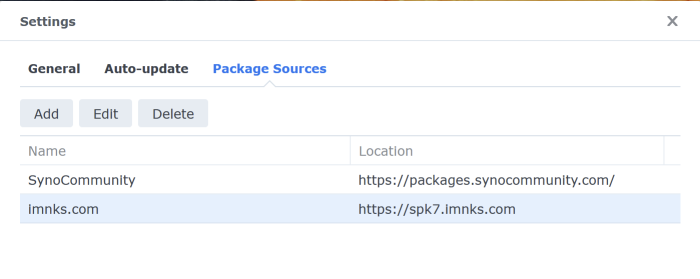
It is possible, you need to add software repository https://spk7.imnks.com
-
Find Qemu Guest Agent tool
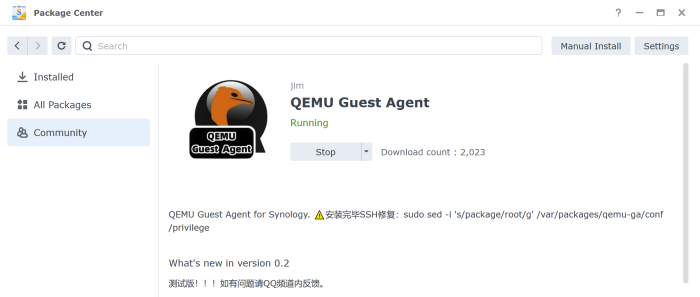
4.Install it and don’t start at first. Then you need to ssh in your Xpeno and run this command, as described:
sudo sed -i 's/package/root/g' /var/packages/qemu-ga/conf/privilege
- After that you need to stop Xpeno VM, turn on Qemu Guest Agent in VM options at Proxmox console:
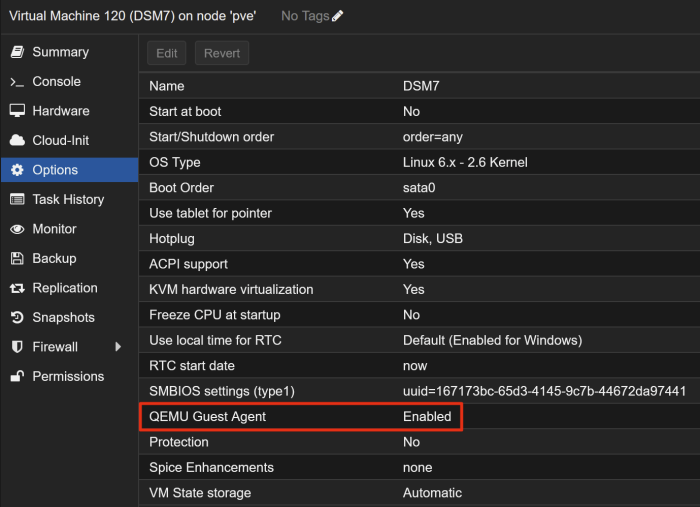
And start your XPeno VM again with working Qemu Guest Agent integration.